
Skip to content
  • Help
  • Login
  • 844-888-7446
  • Life with us
    • Get started
    • Success Stories
    • Reviews
    • How it works
    • Apps & functions
    • About us
    • Blog
  • Industries
    • Offices
    • Government
    • Education
    • Manufacturing
    • Retail
    • Healthcare
    • Fitness
    • Churches
    • Restaurants
  • Pricing
    • Players
      • Lite player
      • Ultra player
    • Plans
    • Premium content
  • Life with us
    • Get started
    • Success Stories
    • Reviews
    • How it works
    • Apps & functions
    • About us
    • Blog
  • Industries
    • Offices
    • Government
    • Education
    • Manufacturing
    • Retail
    • Healthcare
    • Fitness
    • Churches
    • Restaurants
  • Pricing
    • Players
      • Lite player
      • Ultra player
    • Plans
    • Premium content
  • Life with us
    • Get started
    • Success Stories
    • Reviews
    • How it works
    • Apps & functions
    • About us
    • Blog
  • Industries
    • Offices
    • Government
    • Education
    • Manufacturing
    • Retail
    • Healthcare
    • Fitness
    • Churches
    • Restaurants
  • Pricing
    • Players
      • Lite player
      • Ultra player
    • Plans
    • Premium content
  • Free Demo
  • Life with us
    • Get started
    • Success Stories
    • Reviews
    • How it works
    • Apps & functions
    • About us
    • Blog
  • Industries
    • Offices
    • Government
    • Education
    • Manufacturing
    • Retail
    • Healthcare
    • Fitness
    • Churches
    • Restaurants
  • Pricing
    • Players
      • Lite player
      • Ultra player
    • Plans
    • Premium content
  • Free Demo
  • Help
  • Login
  • Help
  • Login
$0.00 0 Cart
$0.00 0 Cart
Demo

Category: Uncategorized

Digital signage tools a small team really needs

Two office coworkers, shown only from the shoulders down, pass a small black media player with a coiled cable from one to the other in a staff kitchenette.

A working digital signage setup has four parts: a design tool, a content source, a player and a schedule. Here is what each does and who on your team owns it.
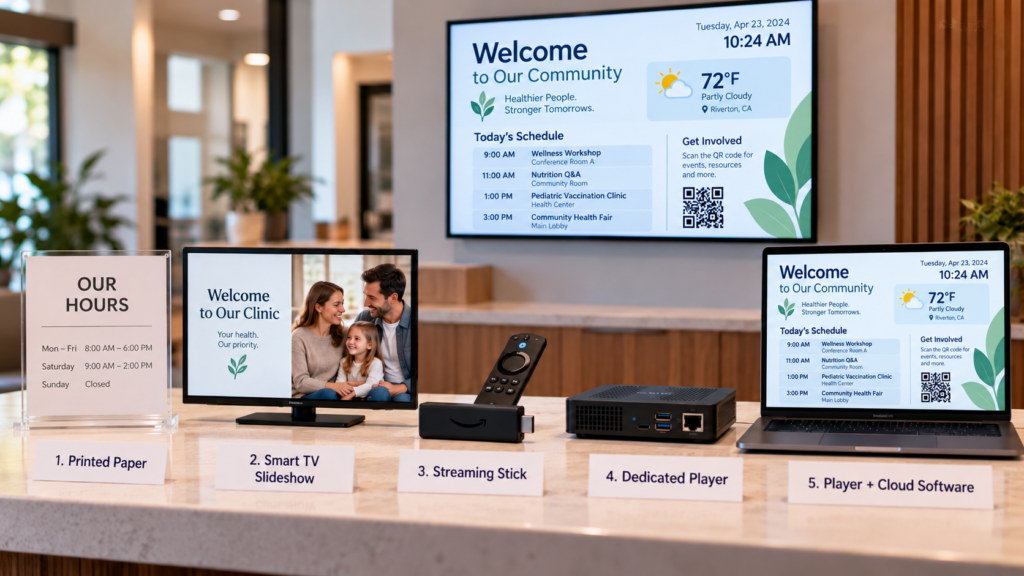
Digital signage options: five ways to run your screens

A quiet college department corridor where a dark wall-mounted TV hangs above a stepladder, with a person in a cardigan seen from behind, standing in soft window light.

Paper, a smart TV slideshow, a streaming stick, a dedicated player or cloud software: what each option does well, where it breaks, and who has to fix it.
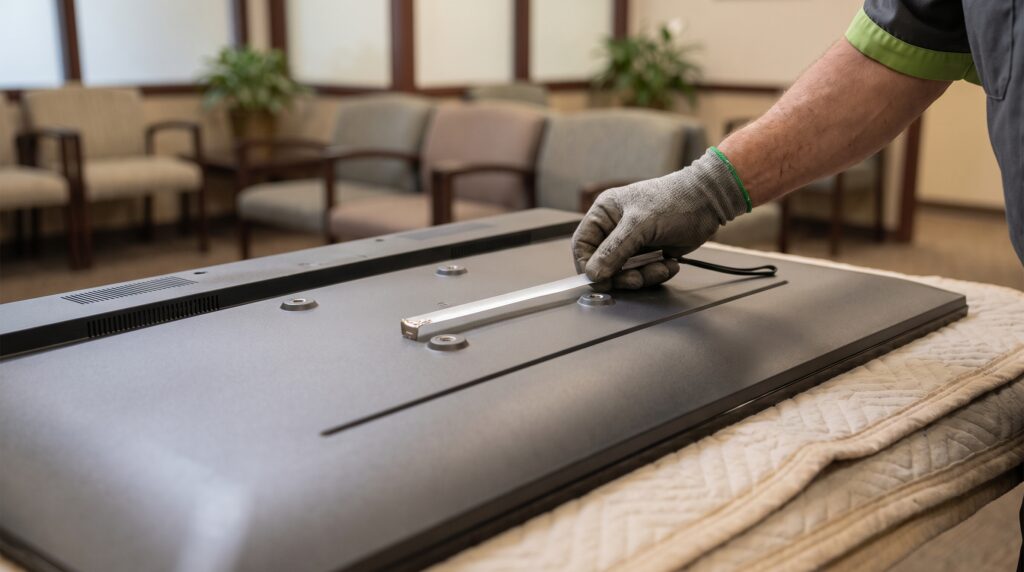
Best TVs for digital signage: what to check first

A hand holds a tape measure across the mounting holes on the back of a TV lying face down on a blanket, with waiting room chairs blurred behind it.

Any TV with an HDMI port can run digital signage. Here is what to check first: orientation, brightness, mounting, power and network, before you buy a new one.
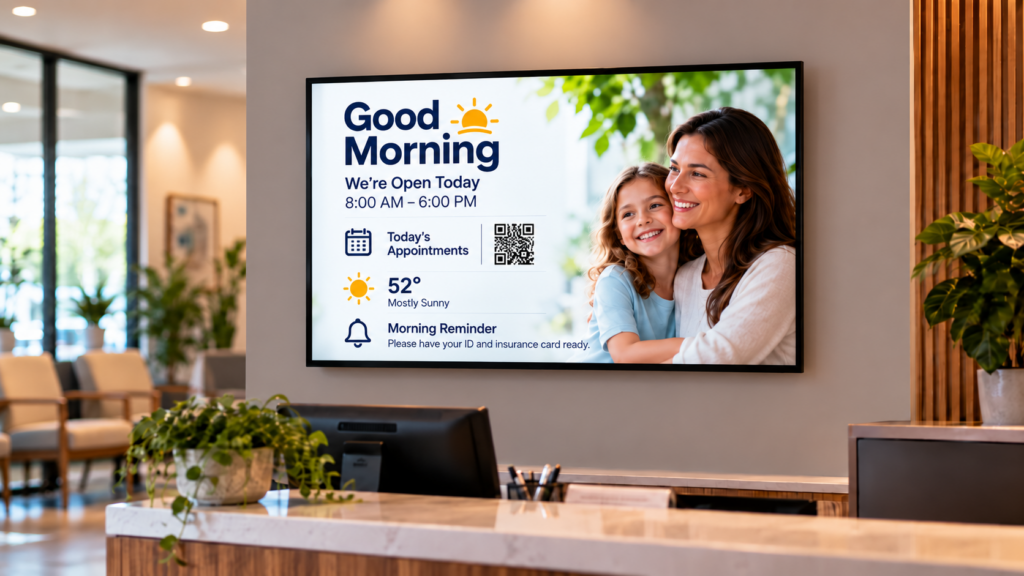
Digital signage content: what to show by time of day

A neighborhood gym's check-in area early in the day, with a wall-mounted TV near the entry, stacked towels, a water cooler, and a staff member in a fleece vest turned away while unlocking a cabinet.

Not sure what belongs on your digital signs? Here is what to show in the morning, at midday and near closing, and how to retire old messages on their own.
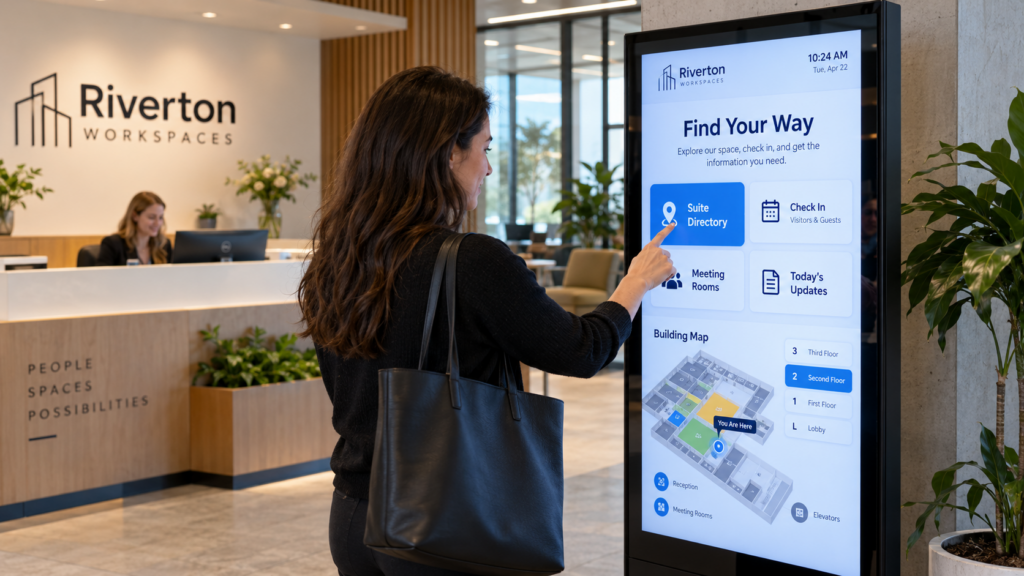
Interactive digital signage software for small teams

A quiet hallway inside a small-town municipal hall, with brick arches, tall windows and a wooden bench in warm light.

Interactive digital signage software lets visitors touch the screen. See where touch helps, when a small team can skip it, and what to ask a vendor first.
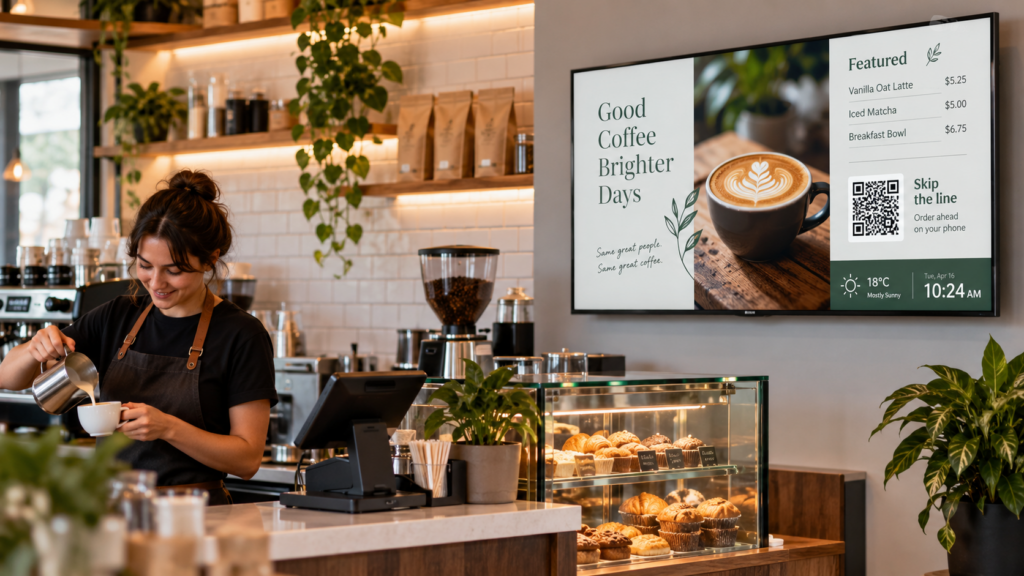
Digital signage for business: where to start small

Aerial view of a small Maine coastal city with brick storefronts, a church steeple and tree-lined streets leading toward the water.

A first-screen guide for owners with paper still taped to the walls: what to put on one TV, who updates it, and how to start small before you add more.

How to start a digital signage program with a small team

A church volunteer seen from behind holds a ring of keys in a lobby, a dark TV on the wall nearby.

A digital signage program starts with one owner, one goal and a weekly routine. Here are the steps for a small team handed the screens, with no IT staff needed.

How to choose a digital signage supplier for your team

A close-up of a hand pulling a black media player and its HDMI cable from the back of a television in a gym lobby.

Five questions to ask any digital signage supplier before you pay: setup, offline playback, phone support, contracts and content. Plus when to go it alone.
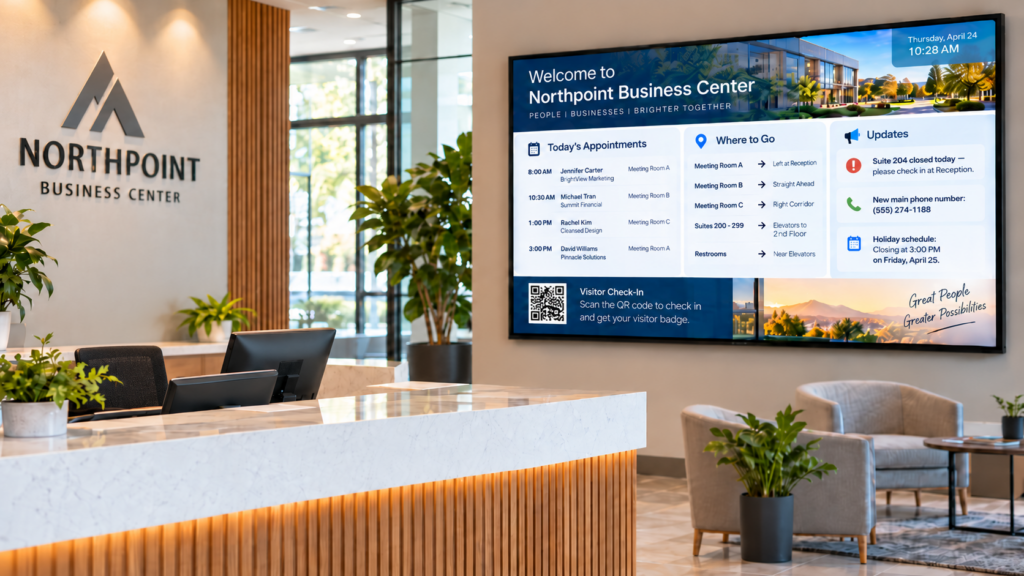
Reception area digital signage: what to put on it

Not sure what belongs on your reception screen? See which messages earn the space, who should update them, and what to leave off. Written for the front desk.

Library digital signage: events, hours and closures

How a small library keeps events, hours and closures current on its screens without a technician: what to post, how big to type it, and who approves it.

Next →

Bring your vision to life.

Quick links
  • Home
  • Get started
  • How it works
  • About us
  • Industries
  • Support
  • Contact
Let's talk
  • (844) 888-7446
  • (802) 851-7446
  • hello@smartsign2go.com
  • Phone support M-F 8-5PST
  • Text support 7 days a week
  • <24hr business day email response
  • Wenatchee, Washington, USA
Facebook Instagram X-twitter Youtube

© 2026 SmartSign2Go. (Not affiliated with SmartSign LLC, Brooklyn, NY)

  • Privacy Policy
  • Terms of Service
  • Returns